
Smart Portfolio Creation
Smart Portfolio Creation
What it does:
Sales Fortuna algorithm pauses your old campaigns and creates a new portfolio fully compatible with the logic of the algorithms. Instead of hundreds of separate campaigns, a unified system is formed, where each campaign has a specific role.
Automatically created:
- - 4 Auto campaigns (Close, Loose, Substitutes, Complements);
- - 1 Category campaign (based on product category);
- - 1 Broad campaign (based on suggested keywords from Amazon);
- - Defence-ASIN (based on ASINs from the same category);
- - Defence-Exact (brand protection);
- - Defence-Broad (brand protection).

Auto presets setup
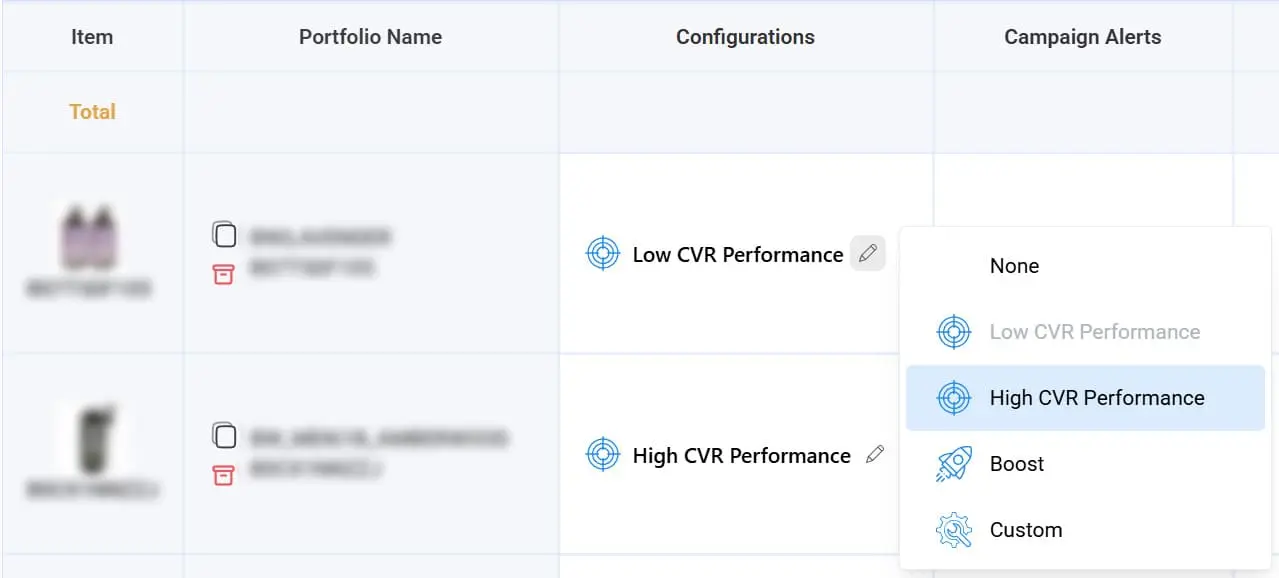
The algorithm analyzes real conversion metrics and divides products into two groups:
- - High Conversion - products with a good CVR;
- - Low Conversion - products with a low CVR.
For each group, an appropriate preset is selected with different parameters for Max CPC and Max Clicks.
Thanks to this, each portfolio starts with the correct limits and behavior, saving the user hours of manual work. As a result, this provides:
- - Quick launch of an optimized structure;
- - Elimination of old, ineffective campaigns;
- - Minimization of setup errors;
- - Creation of a clean base for the Sales Fortuna algorithms.
Defence structure
Sales Fortuna forms a defensive PPC structure that covers brand and category gaps and protects the account from competitors.
When the portfolio is created automatically, the following happens:
- 1. Defence-ASIN campaigns are automatically created, adding products from the same category as the product for which you're creating the portfolio.
- 2. Defence-Exact campaigns are automatically created (target = "brand name"). This is applied to the top 8 best-selling products of the account (if the campaign exists but is paused, an alert is triggered).
- 3. Defence-Broad campaigns are automatically created (target = "Brand Name").
- 4. Defence-Broad campaigns are automatically created (target = "Brand Name + Main Keyword").