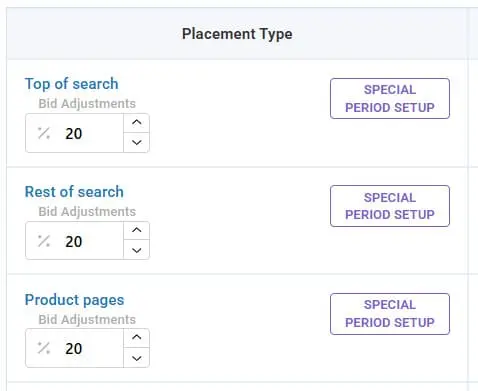
Special Periods Mode
Special Periods Mode
It allows the user to predefine the behavior of the Sales Fortuna algorithms during special periods — sales, promotions, holidays, and any non-standard marketing events.
During these periods, data on bids, CTR, and conversions often behave abnormally, so it's important to manage advertising separately from regular optimization.
How the algorithm works
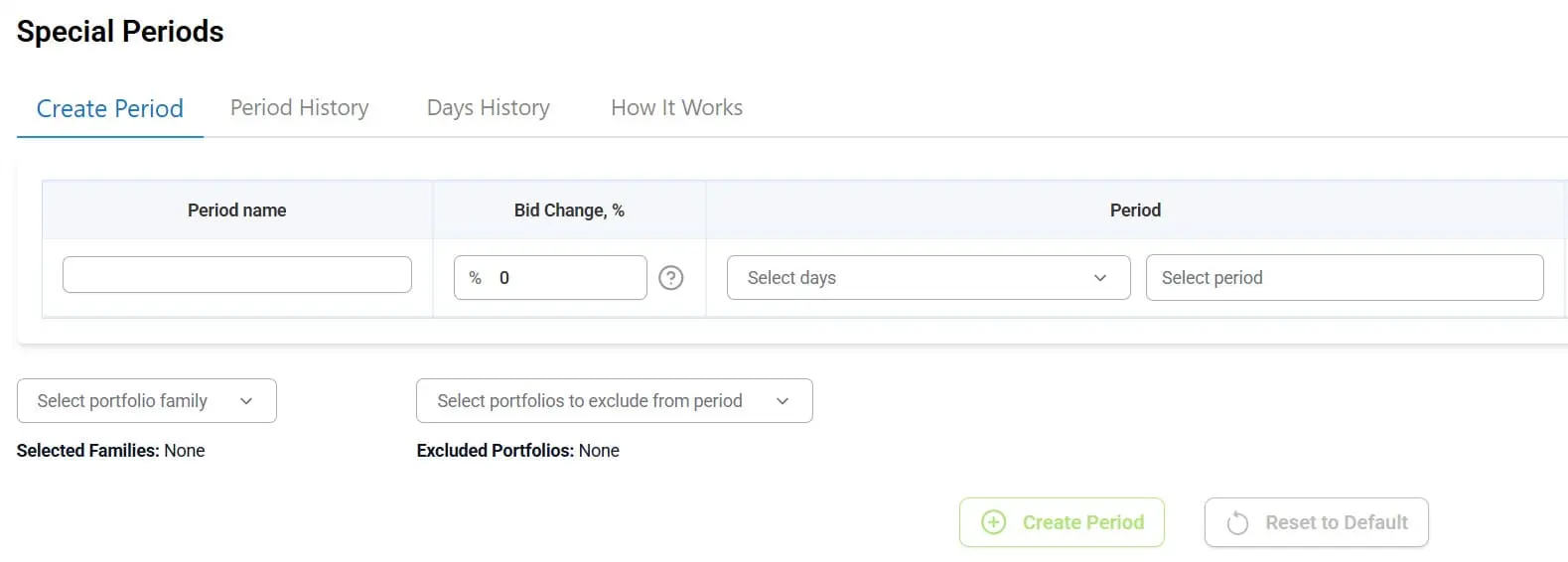
1) Manually setting the period
- - The user manually specifies the dates for the special period (e.g., Prime Day, Black Friday, brand promotion, etc.);
- - These dates are marked by the system as Special Periods and become a separate area for analysis.
2) Setting algorithm behavior
For the selected period, the user can set individual parameters for the algorithms:
- - Increase bids by a specified percentage (e.g., +20%);
- - Decrease bids (e.g., -15%);
- - Do not change bids, leaving the algorithms to operate as usual.
These settings apply to all selected portfolios.
Statistical Isolation
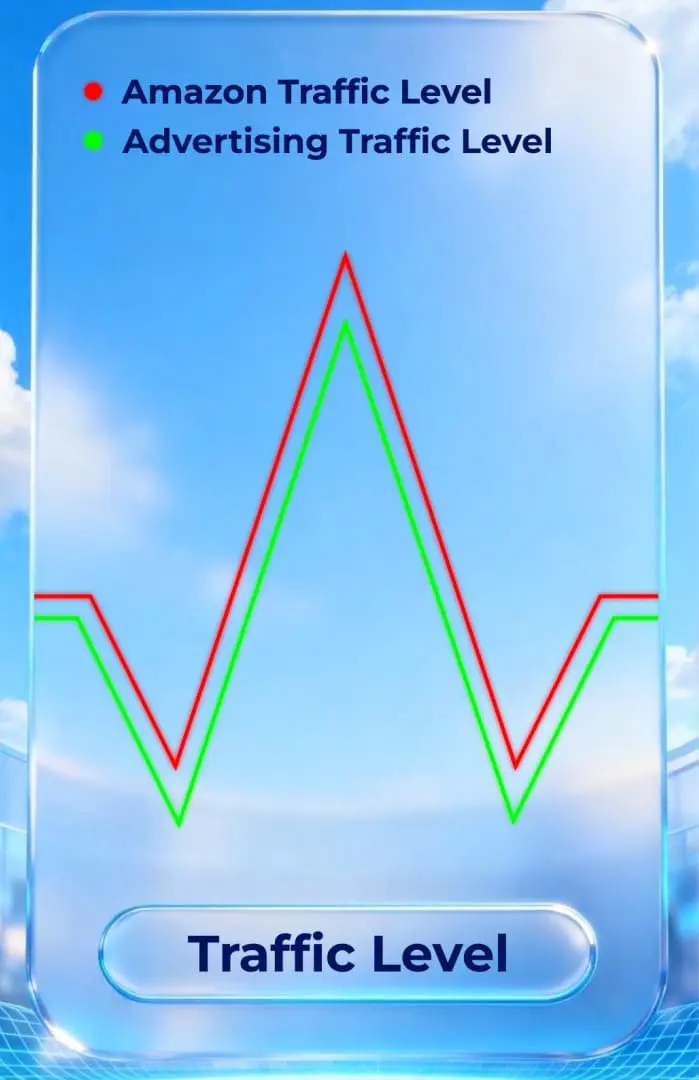
After the period ends, the system saves a tag indicating that these days were part of a "special" period.
In future updates, these periods will be excluded from the analysis of placement statistics and optimization calculations to prevent distorting the algorithms with inflated or temporarily unstable metrics.